
Contactless setup
One tap, fully programmed.
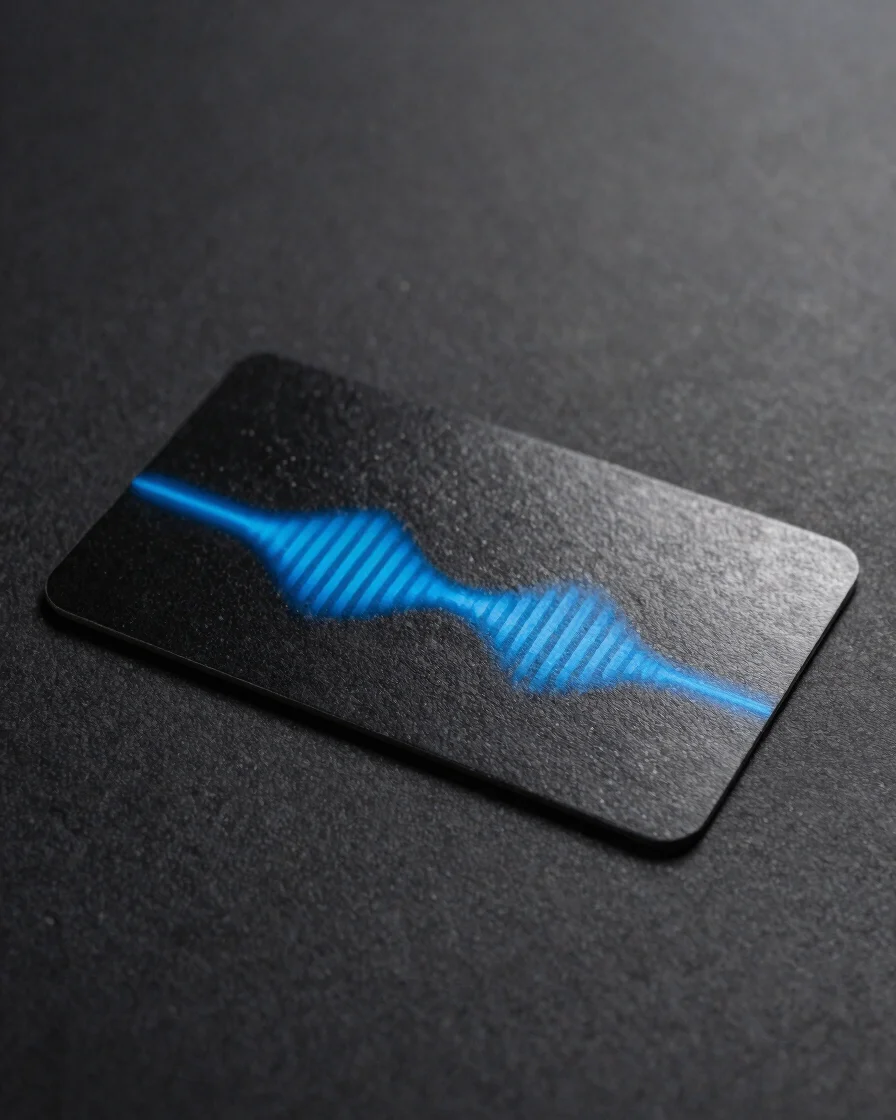
Every card carries an NFC chip that broadcasts your contact card or link the moment a phone touches it. No app is needed on the receiving side, and you manage the profile from the cloud.
Three steps
From programming to tap
Set up the card once, then let every tap do the work. Your profile stays current because it lives in the cloud, not on the plastic.
Step 01
Program the card
Add your contact details, social profiles, or a review link to the card profile before it ships to you.
Step 02
Tap a smartphone
The receiver holds their phone near the card. The NFC chip broadcasts your link or contact card with no app required.
Step 03
Update in the cloud
Change contact details at any time from your profile. The card stays the same and every future tap shows the new information.
Tap zones and routing
Built for everyday phones
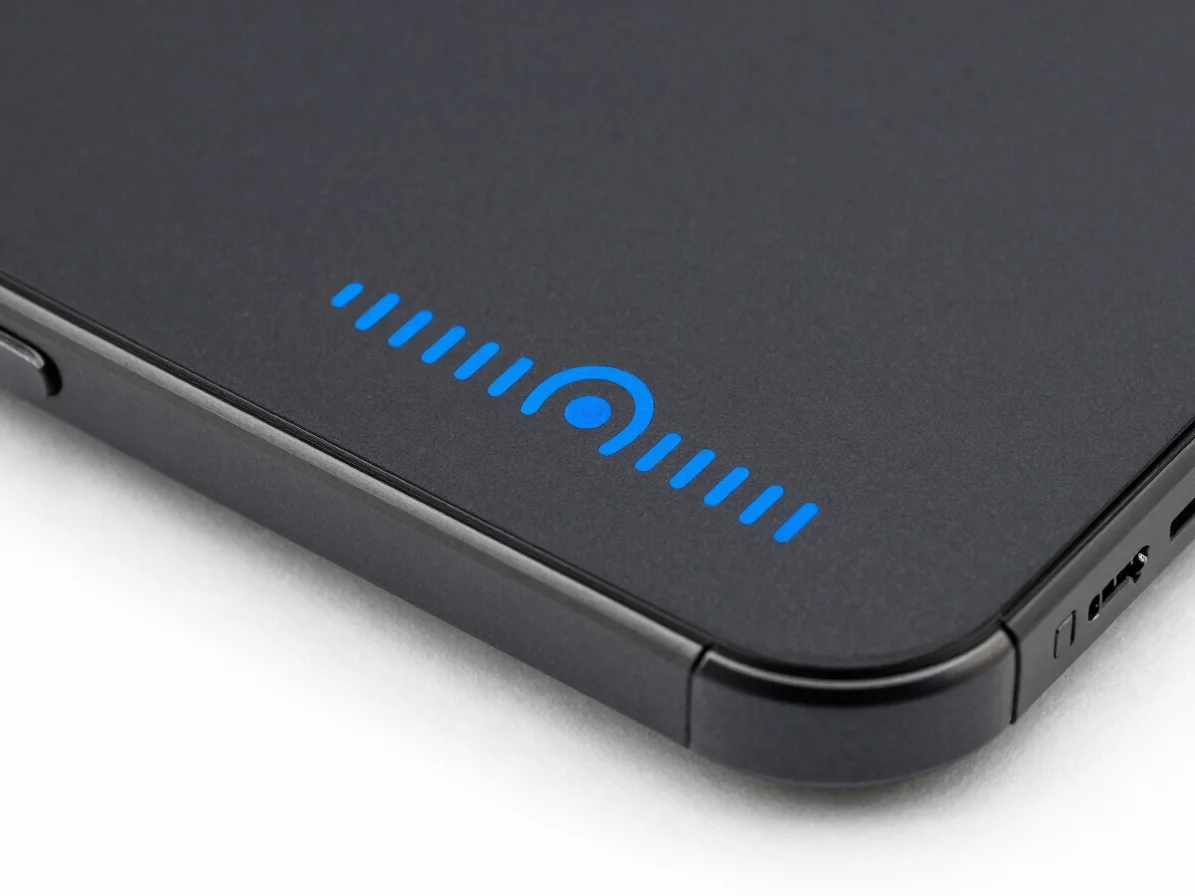
Smartphone tap zone
Find the tap point
The NFC chip sits behind the card face. Hold the card flat against the upper back of the phone, where most devices read contactless signals most reliably.
Backup access
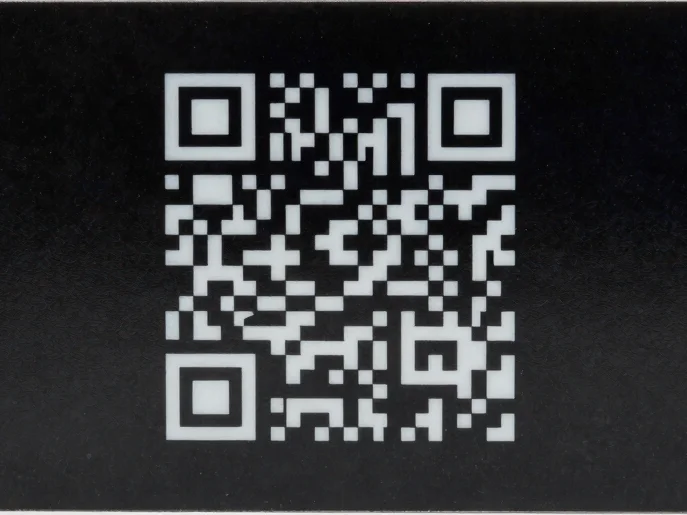
QR code for every device
Phones without NFC can still open your profile. The printed QR code on the card gives a reliable second route into the same contact information.
Google Review cards
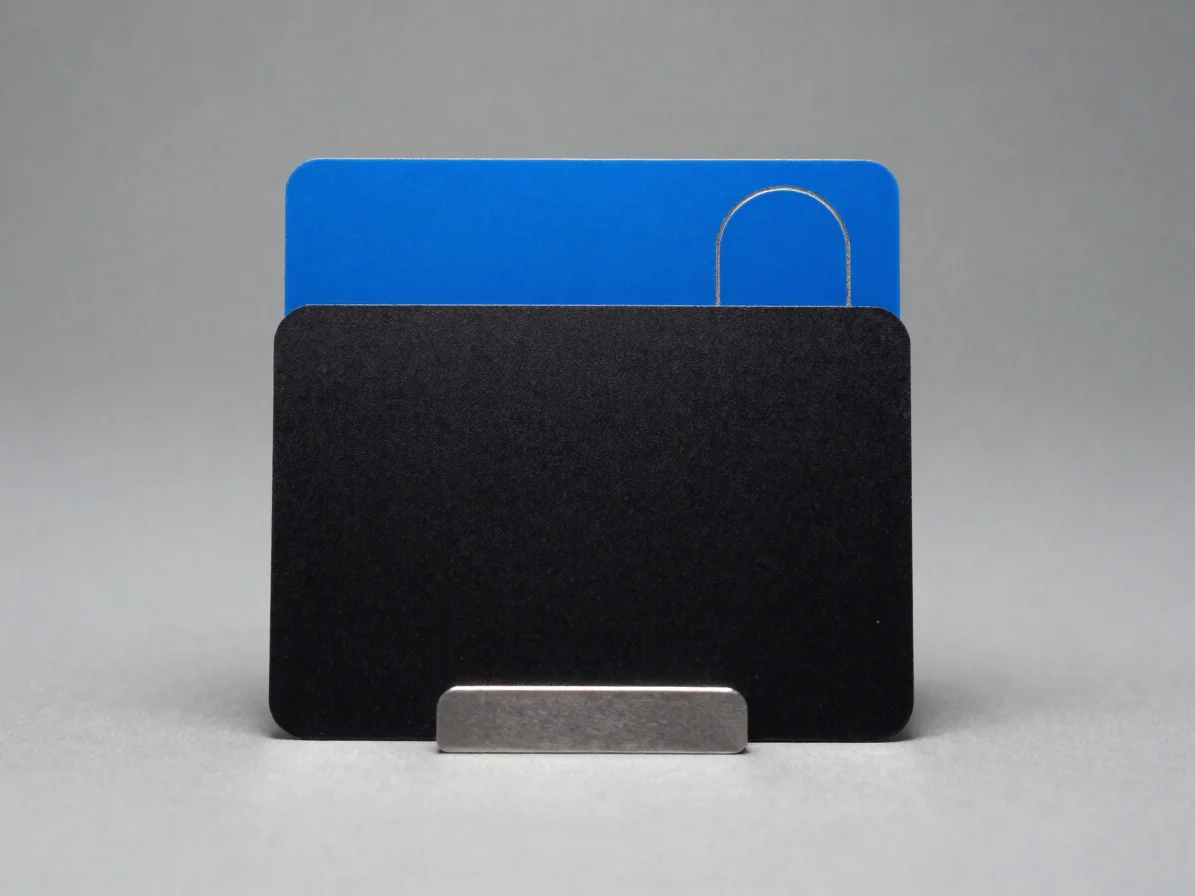
One tap to a review form
A Google Review Card opens your review page directly when a customer taps it, so leaving feedback takes a single step instead of a search.